

Outdoor-Rated Ethernet Cable for Cameras
How to Run outdoor rated Ethernet Cable for Security Cameras i Quick Answer For any exterior camera run, use outdoor

How to Run outdoor rated Ethernet Cable for Security Cameras i Quick Answer For any exterior camera run, use outdoor

Security Camera Placement Guide: Angles, Height, and Coverage i Quick Answer Knowing where to place home security cameras starts with

Which Conduit to Use for Exterior Camera Runs i Quick Answer Conduit for outdoor security camera wiring is essential whenever

i Quick Answer If your camera sends too many false motion alerts, it’s almost always settings — not a fault.

i Quick Answer If your security camera’s SD card isn’t working, start simple: reseat the card and confirm it’s formatted

Cable Management for Security Camera Runs: Raceways, Clips, Conduit, and More i Quick Answer To staple ethernet cable without damaging

Weatherproof Junction Boxes and Connectors for Outdoor Cameras i Quick Answer Put every outdoor connection inside a weatherproof junction box
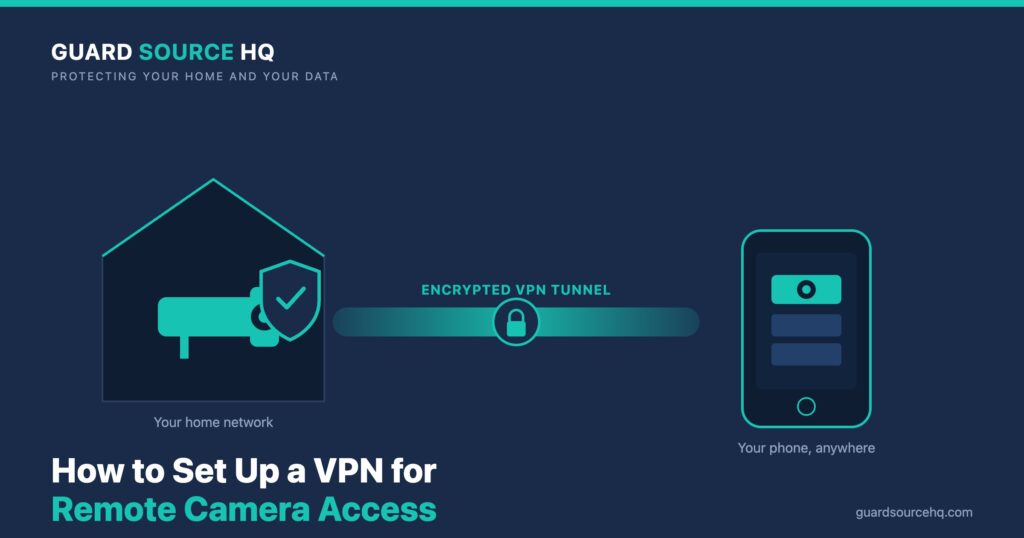
The safe way to view your security cameras away from home: skip port forwarding and connect through a home VPN server. Step-by-step setup, WireGuard vs OpenVPN, and DDNS.
Security Camera Mounting Hardware and Brackets Explained i Quick Answer Match the fastener to the surface — wood screws into

How to Run Security Camera Cable Through Walls and Attics i Quick Answer Plan the run before you drill. Trace
Put your whole home — cameras, NVR, laptops, phones — behind one encrypted tunnel. A step-by-step guide to setting up a VPN on your home router, no firmware flashing required.
Skip risky port forwarding. Compare the best VPNs for reaching your home security cameras safely from anywhere — NordVPN Meshnet vs. Surfshark — and how to set it up.
i Quick Answer NordVPN is our recommended VPN for most homeowners — it combines excellent speeds, powerful security features, independently

iQuick Answer If your security cameras stopped working after a router change, the new router handed out different IP addresses

iQuick Answer If your camera isn’t recording motion, the cause is almost always a setting, not a fault: motion detection