
A PoE switch does one job: it powers your cameras and carries their video over a single Ethernet cable. Get the right one and you forget it exists. Get one with too small a power budget and you’ll be chasing cameras that drop offline at night for no obvious reason — one of the most common headaches I see.
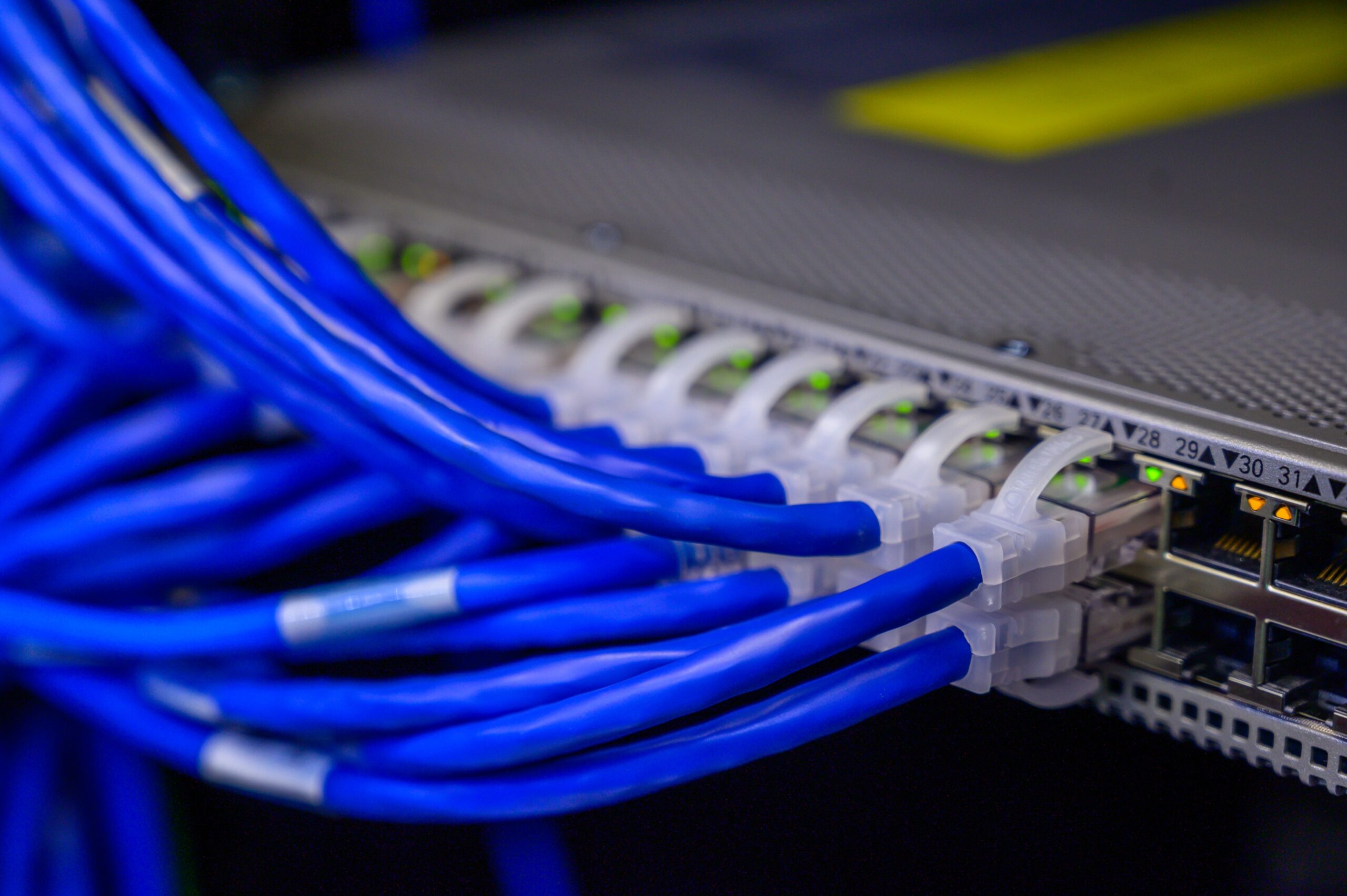
You need a separate PoE switch when your NVR has more cameras than built-in PoE ports, or when cameras sit far from the recorder. Here’s how to pick one without overbuying.
The One Number That Matters Most: Power Budget
Forget port count for a second. The most important spec on a PoE switch is its total power budget in watts — the combined power it can deliver across all ports at once. Every camera draws watts; add them up, and the switch’s budget has to comfortably exceed that total.
The tradesman’s rule: add up your cameras’ wattage, then add 25–30% headroom. Four 4K cameras at ~10W each is 40W; with headroom you want a switch rated around 60W minimum. Why the headroom? Cameras draw more at night — the infrared LEDs that let them see in the dark can double or triple a camera’s draw. A switch that’s fine in daylight can trip at night when every camera kicks on its IR. That’s the “why do my cameras turn off at night?” mystery, nearly every time. (Our PoE Budget Calculator does this math for you.)
The Other Things That Matter
PoE vs PoE+ (802.3af vs 802.3at)
Two standards you’ll see: PoE (802.3af) delivers up to 15.4W per port; PoE+ (802.3at) delivers up to 30W. Get PoE+ — it’s barely more money and it covers 4K cameras, spotlight cameras, and PTZ units that a plain PoE port can’t. Only step up to PoE++ (802.3bt) if a camera’s spec sheet specifically calls for it; don’t pay for it otherwise.
Port Count — Leave Room to Grow
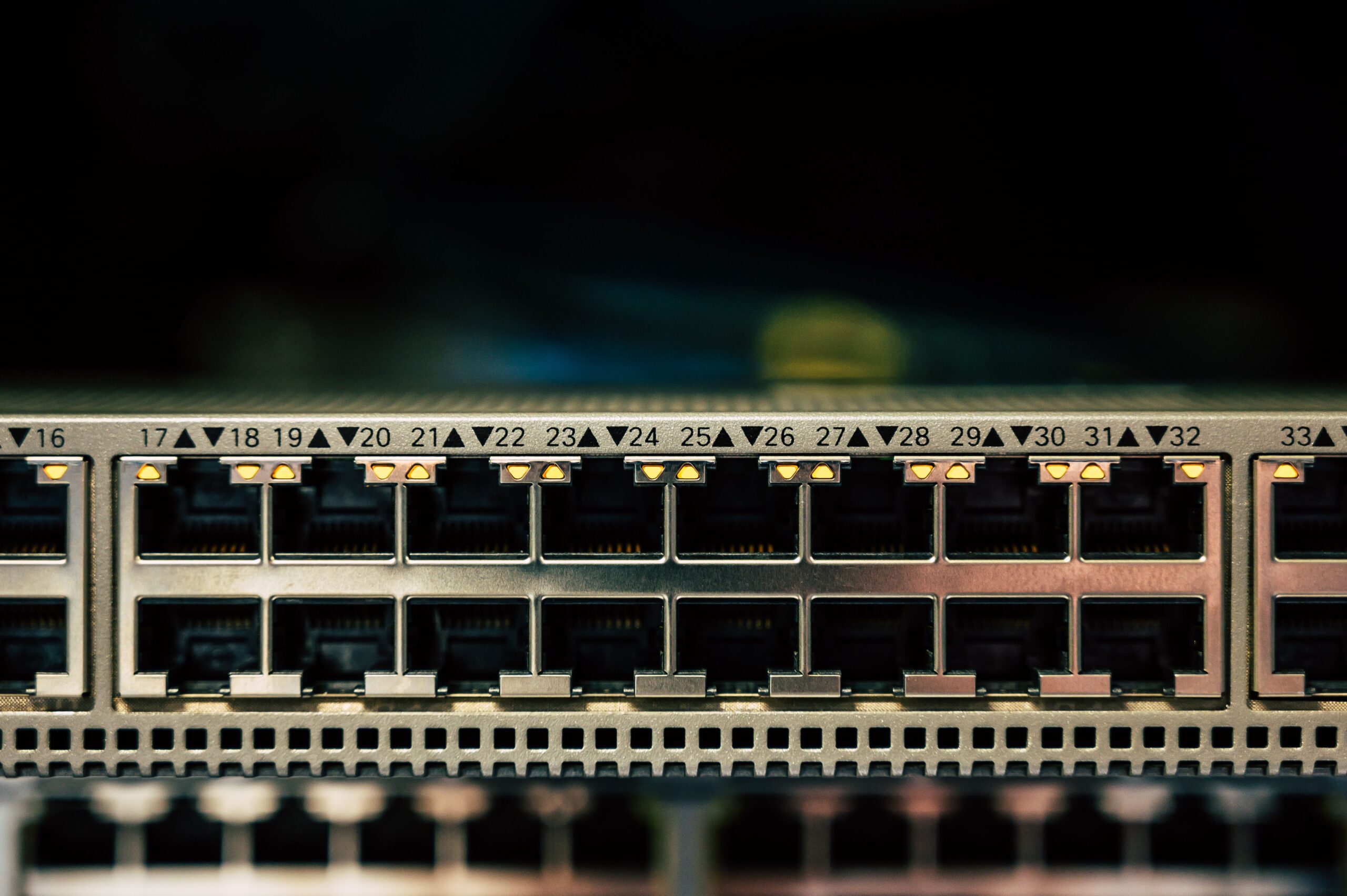
Same logic as channels on an NVR: get a couple ports more than you need today. An 8-port switch is the sweet spot for most homes running 4–6 cameras. Remember one port goes to the uplink (to your NVR or router), so an “8-port” switch powers up to 7 cameras in practice.
Gigabit — Don’t Skip It
Make sure the PoE ports are Gigabit, not 100Mbps. A single 4K camera can push 15–20 Mbps, and several at once add up fast. Some budget switches (including a few brand-matched ones) run their PoE ports at only 100Mbps — fine for one or two cameras, a bottleneck for a full system.
Managed vs Unmanaged
Unmanaged = plug-and-play. No setup, no app, just power and data. For most homes, that’s all you need. Managed switches add VLANs (putting cameras on their own isolated network — good for security), QoS, and remote port reboots. Worth it if you want to isolate your cameras from the rest of your network or you like the visibility; overkill if you just want cameras to work.
Fanless & Metal Housing
A small detail that matters: a fanless switch runs silent (it’ll likely live near your NVR in a living space), and a metal housing sheds heat better and lasts longer than plastic. Both are easy to get at this price.
2026 PoE Switch Comparison
Switches worth looking at for a home camera system, by tier. Prices shift — treat them as ballpark.
| Switch | Ports / PoE | Power Budget | Managed? | Price Tier | Brad’s Verdict |
|---|---|---|---|---|---|
| TP-Link TL-SG1005P Best for 4 Cameras |
5 port / 4 PoE+ | 65W | No | $ – ~$50 | Silent, fanless, dead simple. Perfect for a 3–4 camera starter system. Outgrow it past 4 cameras. |
| TP-Link TL-SG108PE Best 8-Port Value |
8 port / 4 PoE+ | ~64W | Smart (light) | $ – ~$80 | The home sweet spot. 8 ports, easy smart features if you want them. Watch the budget with high-draw cams. |
| NETGEAR GS308EP | 8 port / 8 PoE+ | 62W | Smart managed | $$ – ~$100 | Want VLANs to isolate cameras from your network? This is the easy on-ramp. Solid build, 15-min setup. |
| TP-Link TL-SG1008MP Best Power Headroom |
8 port / 8 PoE+ | 126W | No | $ – ~$110 | Nearly double the budget. The pick if you run spotlight/PTZ cams or plan to expand. Future-proof. |
| Ubiquiti USW-Lite-8-PoE | 8 port / 4 PoE+ | 52W | Managed (UniFi) | $$ – ~$110 | Only if you’re in UniFi. Note: just 4 of 8 ports are PoE — not a full 8-camera switch. |
| Bottom line: For most homes, the TP-Link TL-SG108PE (8-port) is the value pick. Running 3–4 cameras only? The TL-SG1005P saves money. Got spotlight or PTZ cameras, or planning to grow? Spend up for the TL-SG1008MP’s 126W budget — power headroom is the one place it pays to overbuy. | |||||
My Pick for Most Homes
An 8-port PoE+ switch with real power headroom is the choice that saves you grief. For a standard 4–6 camera home, the TP-Link TL-SG108PE does it cheaply; if any of your cameras have spotlights, heaters, or PTZ motors, jump to the 126W TL-SG1008MP so night-time IR draw never trips it.
Before You Choose — Quick Checklist
(1) Add up camera wattage, add 25–30% headroom — budget first; (2) PoE+ (802.3at), not plain PoE; (3) Gigabit ports, not 100Mbps; (4) two more ports than cameras (one’s the uplink); (5) unmanaged is fine unless you want VLAN isolation; (6) fanless + metal if it lives in a living space.
Size the power budget right and the switch disappears into the wall for a decade — which is exactly what you want.
Frequently Asked Questions
Which PoE switch is best for IP cameras?
The best PoE switch is the one whose power budget comfortably exceeds your cameras’ total draw, with enough ports to grow into and PoE+ (802.3at) support for cameras with heaters or PTZ motors. Brand matters less than getting the power budget right — use our PoE budget calculator to size it Before You Choose, and the comparison table above for solid options.
Can a PoE switch power a security camera?
Yes — that’s exactly what it’s for. A PoE switch sends power and data to each camera over a single Ethernet cable, so you don’t need a separate power adapter at every camera location. Just make sure the switch supplies the PoE standard your cameras require (PoE or PoE+) and that its total power budget covers all of them at once.
Is PoE good for security cameras?
PoE is the standard choice for serious camera systems. One cable carries both power and data up to 100 meters, the connection is stable and tamper-resistant, and there are no batteries to recharge. The main trade-off is running the cable, but for a permanent install that’s a one-time job in exchange for years of reliable operation.
Do I need a managed or unmanaged PoE switch?
For most homes an unmanaged PoE switch is plug-and-play and perfectly adequate. A managed switch adds features like VLANs and per-port controls that matter for larger or segmented networks. If a camera doesn’t appear after connecting it, see PoE camera not showing up on NVR.
What size PoE switch do I need for security cameras?
Match the power budget, not just the port count. Add up your cameras’ wattage and add 30–50% headroom. For four to six 4K cameras, an 8-port PoE+ switch rated around 60W or more works; high-draw spotlight or PTZ cameras want a 150W-class switch.
Do I need PoE or PoE+?
PoE+ (802.3at, up to 30W per port). It’s barely more money and it covers 4K, spotlight, and PTZ cameras that plain PoE (802.3af, 15.4W) can’t power. Only go to PoE++ (802.3bt) if a camera’s spec sheet specifically requires it.
Why do my cameras turn off at night with a PoE switch?
At night the infrared LEDs switch on and can double or triple a camera’s power draw. If the switch’s total budget is too small, it trips when every camera kicks on its IR. Size the budget with 30–50% headroom to prevent it.
How many ports do I need?
Two more than your cameras. One port is the uplink to your NVR or router, so an 8-port switch powers up to 7 cameras in practice.